misha.physics
Well-known member
- Joined
- Dec 22, 2021
- Messages
- 1,535
- Reaction score
- 2,326
- Points
- 128
- Location
- Lviv
- Preferred Pronouns
- he/him
I found very detailed free instrument textures:

ORBITER-FORUM will be temporarily closed at 2026-07-23 18:00 UTC while we complete some OF maintenance tasks. The amount of downtime is expected to take up to one hour, but probably less.

 github.com

If you mean the mesh, then I'd like to add some things to it first, but I almost finished. I can add other features later.Is there a test vessel, yet
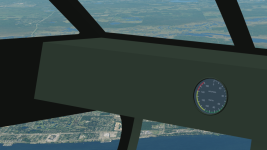
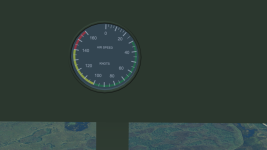

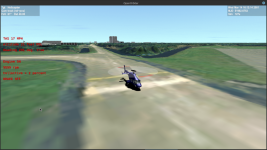
I'm getting there with your Bell 222. It's more or less flyable, but I am still sorting out the VC and MFDs and such. I'm not 100% happy with the flight controls and need to think a bit more about how to apply the rotor forces. I want to make it such that wheeled helicopters can taxi as well, so I need to get my wheel model in, add more animations...Is there a test vessel, yet
Even a joystick would only offload the cyclic controls from the keyboard, and it would force you to manage the throttle, collective, and tail rotor all with your remaining hand. In the actual helicopter you have the cyclic, the collective (which usually incorporates the throttle using a twisting handle like a motorbike), and the rudder pedals. There is just a lot that needs to be controlled simultaneously. Helicopter pilots need both hands, left wrist, and their feet to manipulate all the necessary controls.Maybe having two versions: simplified (for keyboard) and complex (for joystick) could be a good solution. Just in order not to lose a more realistic model if you've already implemented it.
Sounds very niceSo I am trying to strike some balance where hovering flight can be done practically with a keyboard, but behaves in a way more reminiscent of a dynamic helicopter and not a ShuttlePB calmly hovering on its thrusters, magically stable as a rock. An altitude hold autopilot that manages the collective while hovering might be very helpful. If the throttle is set at an appropriate power level, that would reduce workload to pitch/roll/yaw controls.


Even a joystick would only offload the cyclic controls from the keyboard, and it would force you to manage the throttle, collective, and tail rotor all with your remaining hand. In the actual helicopter you have the cyclic, the collective (which usually incorporates the throttle using a twisting handle like a motorbike), and the rudder pedals. There is just a lot that needs to be controlled simultaneously. Helicopter pilots need both hands, left wrist, and their feet to manipulate all the necessary controls.
The thrust produced by the main rotor also isn't static at a given throttle and collective setting either. Propeller thrust depends on the relative airspeed as well. If you pitch or roll a little bit, not only does your vertical component of thrust decrease by the cosine of the angle, but you pick up some relative airspeed which further lowers the thrust. You need to be able to quickly adjust the collective and throttle to compensate.
Another challenge is visual reference when hovering. Helicopter cockpits have lots of windows in all directions because the pilots need them all for visual reference. I need to set the FoV of the cockpit cameras really wide and angle them downward to see the ground clearly. Even then, if the surface textures are washed out, you can start drifting in any direction and not really realize it until you are moving so fast that your vertical stabilizer weathervanes the helicopter.
So I am trying to strike some balance where hovering flight can be done practically with a keyboard, but behaves in a way more reminiscent of a dynamic helicopter and not a ShuttlePB calmly hovering on its thrusters, magically stable as a rock. An altitude hold autopilot that manages the collective while hovering might be very helpful. If the throttle is set at an appropriate power level, that would reduce workload to pitch/roll/yaw controls.

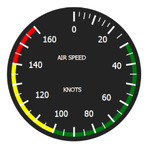
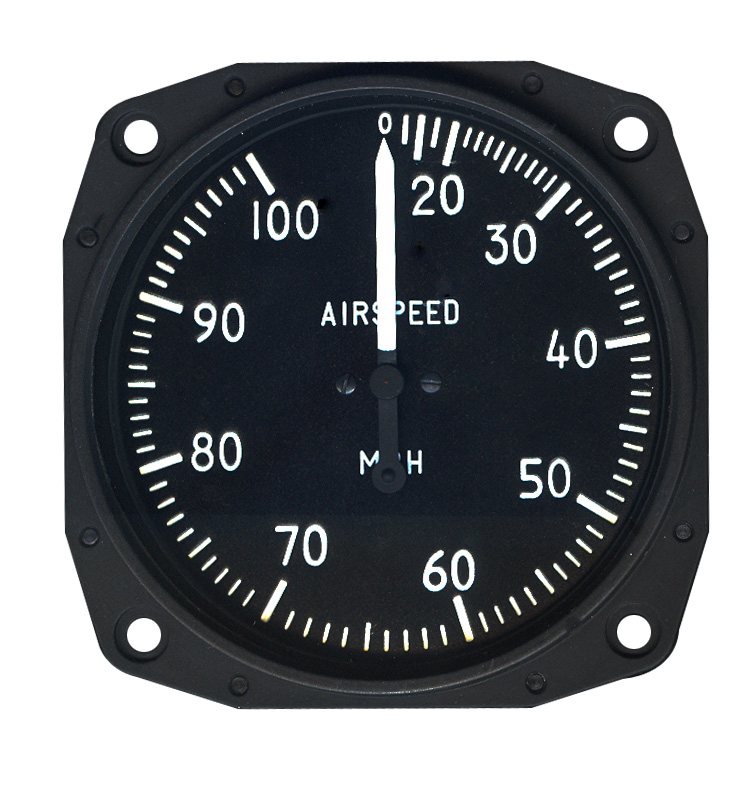
This is probably a better source of information. The R-4 civilian variant was designated the S-47.I need a little help regarding the air speed indicator. Wikipedia says that the maximum speed of the Sikorsky R-4 helicopter is 65 knots. So, I would like to change numbers on the texture:
View attachment 41675
Maybe anyone knows what the maximum value instead of 160 I should write?
 sikorskyarchives.com
function make_pretty.beacons()

    beaconpos = {}

    beaconpos[1] = vec.sub({x=-2.327, y=-1.37, z=2.138},cg)
    beaconpos[2] = vec.sub({x=2.327, y=-1.37, z=2.138},cg)
    beaconpos[3] = vec.sub({x=0, y=-1.774, z=2.1},cg)
    beaconpos[4] = vec.sub({x=0.193, y=2.42, z=-7.35},cg)
    beaconpos[5] = vec.sub({x=0.193, y=0.222, z=-7.14},cg)

    beaconcol = {}

    beaconcol[1] = {x=1,y=0,z=0}
    beaconcol[2] = {x=0,y=1,z=0}
    beaconcol[3] = {x=1,y=0,z=0}
    beaconcol[4] = {x=1,y=0,z=0}
    beaconcol[5] = {x=1,y=1,z=1}

    beaconspec = {}
    beacon = {}

    for i = 1, 5 do

        beaconspec[i]=
        {
            shape = BEACONSHAPE.STAR,
            pos = beaconpos[i],
            col = beaconcol[i],
            size = 0.2,
            falloff =  0.3,
            period = 0.8,
            duration = 0.3,
            tofs = (6-i)*0.2,
            active = true
        }

        if i < 3 then

            beaconspec[i].period = 0
            beaconspec[i].duration = 0

        end

        beacon[i] = oapi.create_beacon(beaconspec[i])
        vi:add_beacon(beacon[i])

    end

end if oapi.keydown(kstate, OAPI_KEY.L) then
if lights_on == false then
lights_on = true
elseif lights_on == true then
lights_on = false
end
for i = 1, #beaconspec do
beaconspec[i].active = lights_on
end
oapi.dbg_out(beaconspec[5].active)
end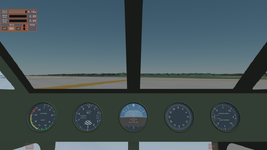
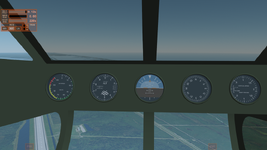
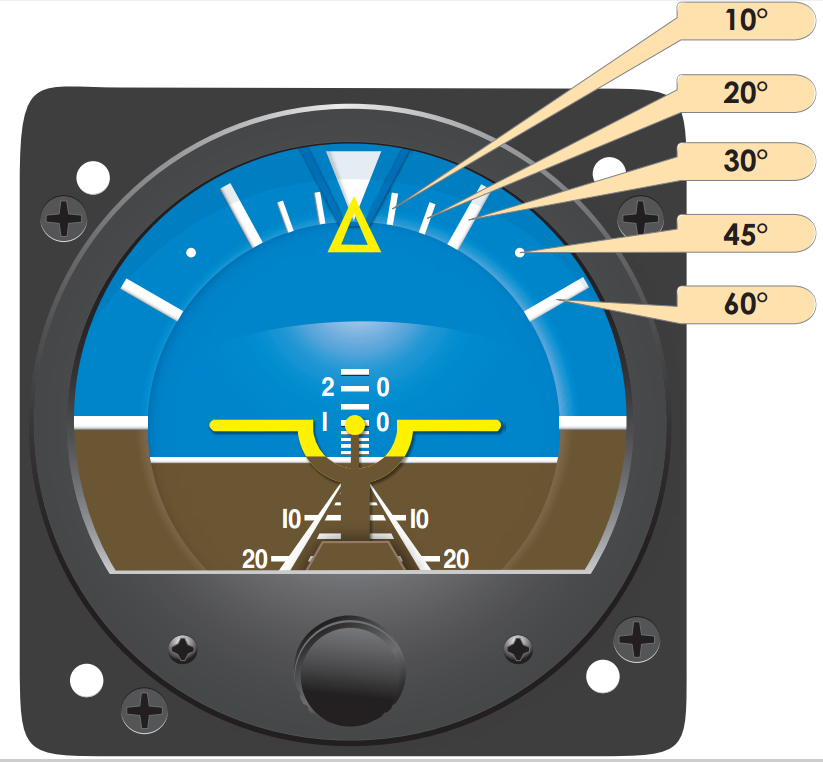
Looks good. One thing to note is that in the gyrocompass (second instrument from right), the dial with the compass headings is what turns, with usually a small bug on the bezel for reference. Similarly, the blue/green background of the artificial horizon (middle instrument) is what moves relative to the white indicator lines.
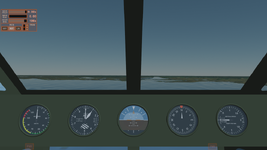
Is the blue/green background a texture? The artificial horizon is typically a spherical indicator that can roll on its axes to indicate both pitch and roll.It looks the artificial horizon will be the most difficult to animate. I have no Idea how it could be done. I hope you have ideas, I'll send the new mesh with these instruments to you.