4throck
Enthusiast !
- Joined
- Jun 19, 2008
- Messages
- 3,489
- Reaction score
- 1,012
- Points
- 153
- Location
- Lisbon
- Website
- orbiterspaceport.blogspot.com
I'm working on Mars scenery improvements!
The idea is to add better surface textures and static lander models for historical sites.
Started with the Vikings ( NASA makes the lander models available):
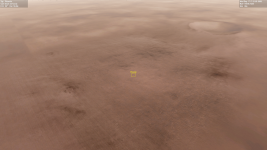
Viking 1 site:
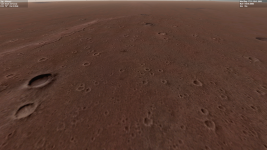
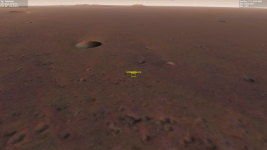
Viking 2 site:
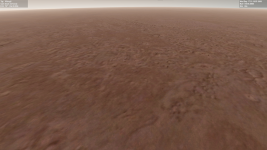
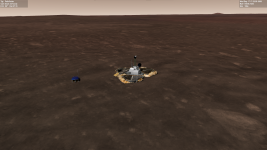
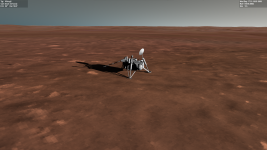
Lander model:
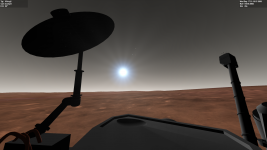
Will add Pathfinder, Phoenix and Insight .
The landers are simple static VesselBuilder vessels. This way I can adjust mesh positioning, landing points and add a VC view.
And the user can simply edit the scenario to add or remove them as needed.
The idea is to add better surface textures and static lander models for historical sites.
Started with the Vikings ( NASA makes the lander models available):
Viking 1 site:
Viking 2 site:
Lander model:
Will add Pathfinder, Phoenix and Insight .
The landers are simple static VesselBuilder vessels. This way I can adjust mesh positioning, landing points and add a VC view.
And the user can simply edit the scenario to add or remove them as needed.