Actually, I have no PSD file, since I didn't create that texture (I downloaded a free mesh with textures), I just converted it from PNG to DDS. So, you can just open the texture with Photoshop and get the PSD file.
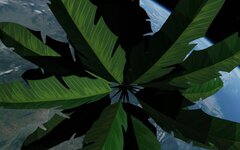
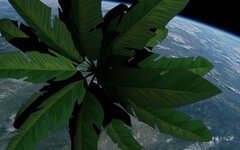
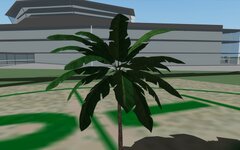
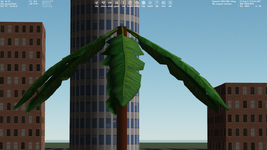
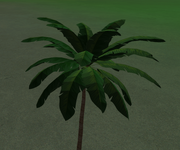
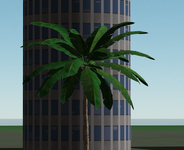
It looks like that white halo is related to the "FLAG 0x20". I removed the flag, and I see transparent planes in the same views I saw the white halo, namely it's not noticeable on the ground background:
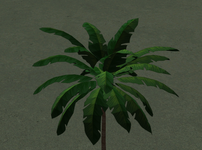
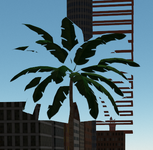
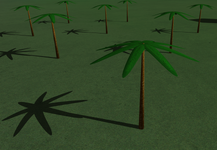
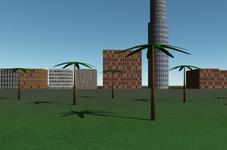
Actually, it's pretty noticeable especially from a great distance and when we have several trees:
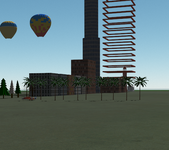
What's why I'm not very satisfied with this result. The "problem" seems to be in the use of the alpha channel.
I created my own texture with an alpha channel, and it has the white halo as well:
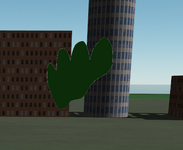
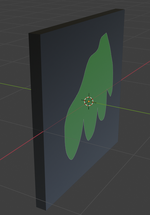
Below the alpha channel isn't used. The leaf contour is the mesh contour. No white halo (as expected):
I'm finding it difficult to replicate the "halo" (maybe this is more noticable in Orb24? I like to test in orbit; neutral lighting, different background shades (post a .scn?).
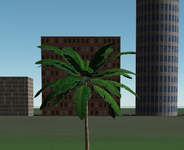
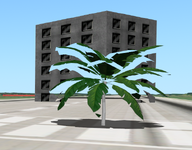
This is noticeable against the background of other objects, such as buildings, and when we look at the palm from the side, not from above (look at first two pictures in this message). I think the SCN isn't necessary.
not sure where they're coming from?
Here's the free
palm model I downloaded (it contains different formats and texture maps).
Thanks, I'l take a look at your files.


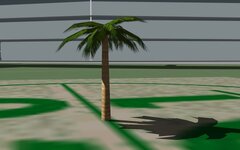


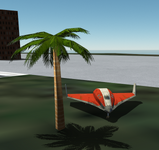

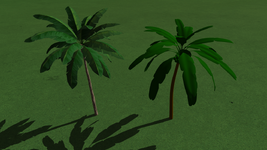


 At least it would work very well for small islands.


 These are secondary objects and rarely in full view, and 100% quality needs high poly.