Discussion Space: 1999 updates ?

I am stumped. The CM is supposed to land Nose up. So Y is up. for the cockpit and such I think the vessel needs to travel along the Z axis. But can it land with the stern down?

How do you know if in the VC?

The concept is called a "tailsitter", and there are a lot of examples of it in various orbiter add-ons (I remember one from the 55 Cancri system, for example).

Yes, your axis of thrust should point along the Z axis. You have to set your touchdown points prallel to the Z-axis too. Tailsitters are a bit hard to land, but far from impossible. If I remember correctly, LOLA-Mfd even had a tailsitter landing autopilot.
 
Thanks. Wouldn't the axis of thrust be Y. So as you apply thrust the vessel goes straight up?

I saw some stuff on tail/belly sitter.

So if align the bow with the Z axis. I would need to rotate 90 degrees and use hover? Then once off rotate and then use main along Z?

I have tried the z axis but getting the touchdown points has not worked out.

So how should the touchdown points be for a tail sitter?

I now have it running along the Z axis. But how to I get the touchdown points to have it sitting on the stern facing up.

SetTouchdownPoints (_V(0,-7,1), _V(-1.6,-7,-1), _V(1.6,-7,-1));;


-7 is the bottom point.
 
Last edited:
I redid the mesh. The front of the mesh is in the Z direction. No Mesh issues.
PROBEREAR2.jpg


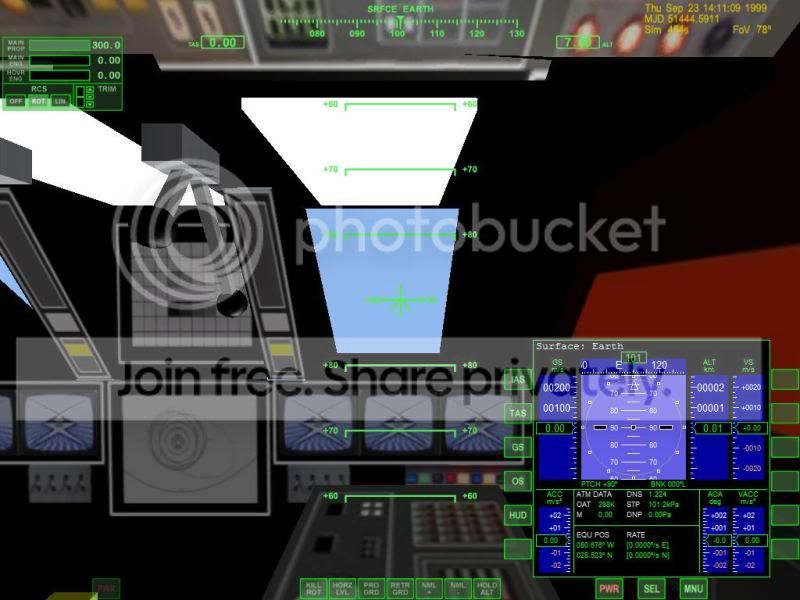
Looking forward
PROBEREAR1.jpg

Looking forward from the outside

PROBEside.jpg


Now this is what is looks landed now. using :
Code:
SetTouchdownPoints (_V(0,-7,1), _V(-1.6,-7,-1), _V(1.6,-7,-1));;
PROBEREARlanded.jpg


I think to land you need to rotate the nose up and reduce thrust.

No Hovers.
 
Now this is what is looks landed now. using :
Code:
SetTouchdownPoints (_V(0,-7,1), _V(-1.6,-7,-1), _V(1.6,-7,-1));;
PROBEREARlanded.jpg
For landed, did you try to exchange y and z coordinates, like:
Code:
SetTouchdownPoints (_V(0,1,-7), _V(-1.6,-1,-7), _V(1.6,-1,-7));
 
Thanks. Wouldn't the axis of thrust be Y. So as you apply thrust the vessel goes straight up?

No, usually the main thrust is aligned with the Z axis. You always model your ship "standing up" in a way, no matter wheather it's a tailsitter or not.
 
I did this
Code:
SetTouchdownPoints (_V(0,1,-7), _V(-1.6,-1,-7), _V(1.6,-1,-7));
and this is what I get:
PROBElanded.jpg


You can see that the Z is along the axis. On the mesh -7 is just behind the thrusters.
 
You can see that the Z is along the axis. On the mesh -7 is just behind the thrusters.
And if you change it to this?
Code:
SetTouchdownPoints (_V(0,-1,-7), _V(-1.6,1,-7), _V(1.6,-1,-7));
 
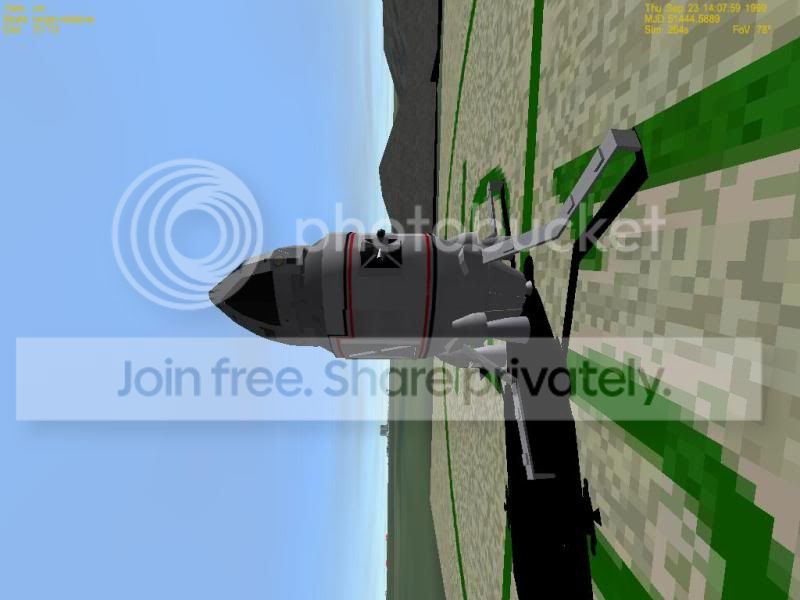
Thanks. That got it. Taking off is hard as it once to flip . As you can see it is at 90 degrees.

Not sure if hover are what it needs and then rotate to level?

CMLANDED1.jpg


CMLANDED2.jpg


CMLANDED3.jpg


I have added a ladder/ramp to the upper airlock
 
Not sure if hover are what it needs and then rotate to level?

I'm not quite sure, but I think you need to rotate the default camera position about your X or Y axis.
 
Thanks what would that do?
SetCameraOffset (_V(.6,0,5.7));
SetCameraDefaultDirection (_V(0,1,0));

Doesn't just change the cockpit view?

Not sure how to get her to launch straight up?

Even in space. I add another outside earth. Level Horizon and applied forward thrust and her rotated along the y axis

Code:
	th_main = CreateThruster (_V(0,-6,0), _V(0,0,1), 13000000, TANK, ISP);
	CreateThrusterGroup (&th_main, 1, THGROUP_MAIN);
		
	th_retro = CreateThruster (_V(0,0,0), _V(0,0,-1), 13000000, TANK, ISP);
	CreateThrusterGroup (&th_retro, 1, THGROUP_RETRO);
th_hover = CreateThruster (_V(0,0,0), _V(0,1,0), 13000000, TANK, ISP);
	CreateThrusterGroup (&th_hover, 1, THGROUP_HOVER);
 
Last edited:
Thanks. I changed it all thrust positions are 0,0,0 and still the same results
Code:
	th_main = CreateThruster (_V(0,0,0), _V(0,0,1), 13000000, TANK, ISP);


probelanded2.jpg

probelanded1.jpg
 
Last edited:
not sure. Would that be where the Y axis goes thru?
probelanded3.jpg


Can it be moved rather than the mesh?
 
You have to calibrate the center of gravity in your dll. It is not neccessarily in the center of the mesh. Basically, you can choose it to be wherever you want it to be.

The easiest explanation for pitching when main thrusters are active is that the center of gravity is not aligned with the main thruster.
 
Do I move it with this:
void ShiftCG (const VECTOR3&shift) ?

where should it be?

I just centered the mesh and now no problems, yeah
 
Last edited:
Try this:
http://www.4shared.com/file/VRoI-7a5/ULTRAPROBECM.html

She has 3 airlocks. 9/0 selects airlock. D opens airlocks. G opens docking legs. V selects camera position. 5 opens inner hatch 6 moves ramp/ladder.

The airlocks are tophatch. When open the ramp extends. The Ummu appears in the opening. Ramp airlock is for when landed. It puts the ummu on the ground by the leg and ramp. Rear puts the ummu just outside the craft.


Please let me know issues,.... Not sure if the rotational RCS exhaust are in the right locations.


Working on the main section interior.

What I plan to do is if the CM is attached then the main thrust will be more and then exhaust will appear in the main section.
 
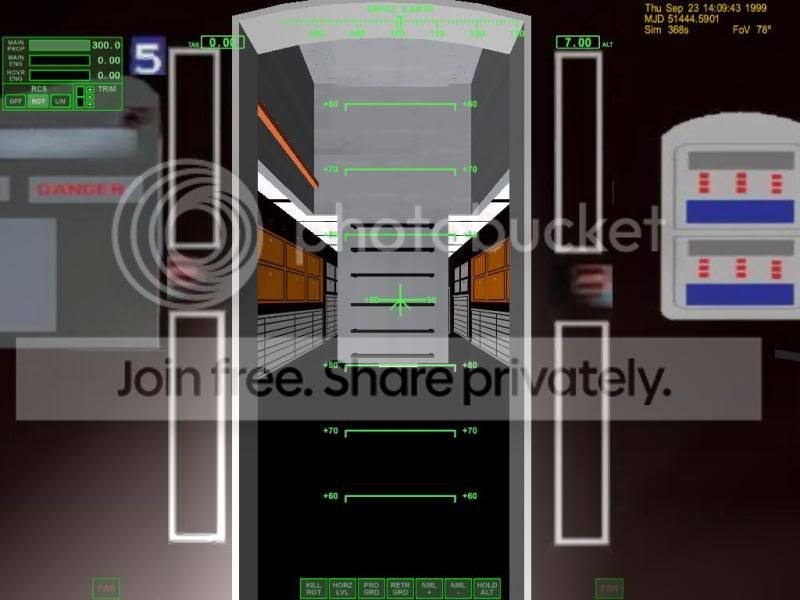
here are 2 shots from the inside:
PROBEINTREAR2.jpg

PROBEINTREAR1.jpg


I need to correct some minor things then get then together.
 
Well here is the exterior view.

proberear3.jpg


One thing I am running into is this. Is if I exit the scenario and restart the rear section is now orbiting the sun. Now sure why?

on the CM
if the arms are opened then you can attach and detach.
this is what I have planned.
If the CM is attached to the rear section then increase thrust and put exhaust in the rear.


This is what I have right now in the cm

Makes the main and retro
Code:
 th_main = CreateThruster (_V(0,0,0), _V(0,0,1), 130000, TANK, ISP);
    CreateThrusterGroup (&th_main, 1, THGROUP_MAIN);
       
    th_retro = CreateThruster (_V(0,0,0), _V(0,0,-1), 130000, TANK, ISP);
    CreateThrusterGroup (&th_retro, 1, THGROUP_RETRO);
This looks at the attachment and if the rear is attached then stage =1. Goes to SetMain determines where the exhaust show be
Code:
if (stage==1){
               
                SetMAIN();
   
            }
            if (stage==0){
               
                SetMAIN();
   
            }

    char buffer[256];
if ( getpartnerid(CM, false, buffer) )
{
     if ( !strcmp(buffer, "REAR") )
           stage=1;
     if (!GetAttachmentStatus(CM))
stage=0;
}

if stage =1 then set exhaust to the rear of the main section.
Code:
void UPROBEFRONT::SetMAIN()

{
if (stage==1)   
   
    {
    AddExhaust (th_main, 7, .75, _V(-.125,1.934, -100), _V(0,0,-1));
    AddExhaust (th_main, 7, .75, _V(-4.125,-1.934, -100), _V(0,0,-1));
    AddExhaust (th_main, 7, .75, _V(4.125,0, -100), _V(0,0,-1));
    AddExhaust (th_main, 7, .75, _V(-.125,0, -100), _V(0,0,-1));


    }
   
if (stage==0)   
   
    {
        AddExhaust (th_main, 5, .25, _V(1.7,0, -6.7), _V(0, 0,-1));
    AddExhaust (th_main, 5, .25, _V(-1.7,0, -6.7), _V(0,0,-1));
   
    AddExhaust (th_main, 7, .75, _V(1.9,2.5, -5.7), _V(0,0,-1));
    AddExhaust (th_main, 7, .75, _V(-1.9,2.5, -5.7), _V(0,0,-1));
    AddExhaust (th_main, 7, .75, _V(1.9,-2.5, -5.7), _V(0,0,-1));
    AddExhaust (th_main, 7, .75, _V(-1.9,-2.5, -5.7), _V(0,0,-1));


    }
}
I think I need to remove exhaust as when the cm is detach I still see the exhaust.
 
Last edited:
Back
Top