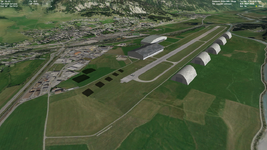
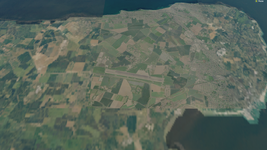
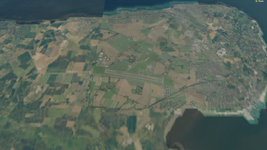
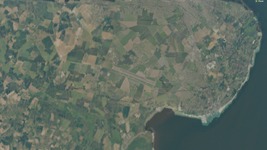
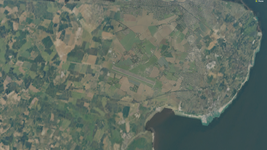
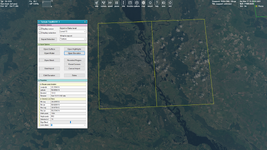
I see the following aspects/difficulties in making and using the highly-detailed surface textures in Orbiter:
1) Matching a tile colour
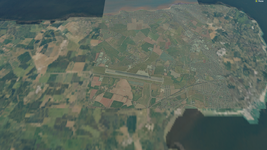
2) Blending/blurring a tile edge
3) Large size of tile files
4) Performance decreasing
5) Flickering of highly-detailed tile images, especially at a sharp viewing angles
The last one seems the hardest to me, and I'd like to discuss this. At least in the context of a small surface area (base). Some time ago I was interested in this question and:
The flickering is due to lack of mipmaps. Currently mipmaps are auto generated during runtime for surface tile levels 1 - 8 but not for a high resolution tiles. That's because a surface tile load times would increase a lot mostly because the mipmaps needs to be compressed after creation.
Most practical solution would be a patch utility that would process and add the mipmaps to the entire surface tile database. But, the process could take many hours to run.
So, do I understand correctly that when we see, for exapmle, a tile of 5 level Orbiter creates mip-maps for this tile and we see different copies of it at various distances (when the tile of this 5 level is visible)? Such tile system reminds mip-maps system, so if we could increase the number of tile levels, namely decrease the "distance" between adjacent levels (namely using ...18, 18.1, 18.2, ... , 18.8, 18.9 ,19... levels instead of just ...18, 19...) it will be something like mip-maps? As far as I understnand there are two possibilities:
1) Let Orbiter to create these additional levels (this increases the loading time)
2) We can create it ourselves (this increases the size of textures, but we can do it only for a small area i.e. base)
The ways I can imagine for the flickering aspect:
[imath]\bullet[/imath] Flickering is visible mainly when a texture is oriented at a sharp angle. Maybe it can be used/invented some technology which will work only with such situation.
[imath]\bullet[/imath] Creating a round or elliptical area around a craft where surface textures are crisp and blurring textures outside the area. I mean some limited visibility area, like fog.
[imath]\bullet[/imath] Maybe we can try this solution, but for a small surface area:
Most practical solution would be a patch utility that would process and add the mipmaps to the entire surface tile database. But, the process could take many hours to run.
[imath]\bullet[/imath] Or maybe some micro textures for Earth, but I really don't know if something like this is possible. I had
an idea about biomes, but I'm not sure it's reasonable...
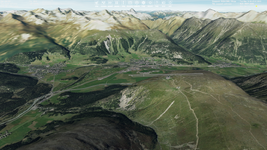
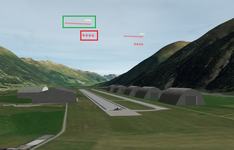
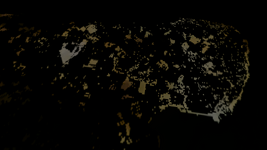
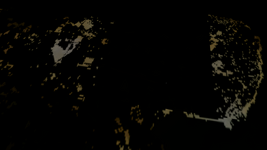
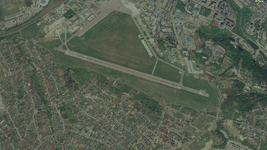
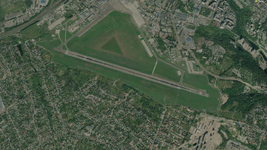
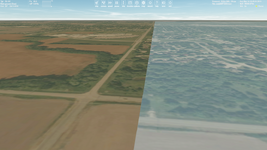
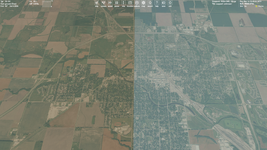
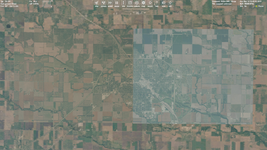
[imath]\bullet[/imath] I've noticed the following thing. Surface textures much less flicker if we use them not as quadtree tiles, but as a *.dds texture like Runway2.dds. I did some comparison. I made the "standard" surface quadtree system from 15 to 19 level where every tile is 512x512 pixels (so I took an image of 8192x8192 pixels). Then I took another 8192x8192 pixels image, converted it to *.dds format and loaded as well as Runway2.dds, so I defined the texture as an object in a base *.cfg file. I don't mean we should use the second way for the surface texture, it seems to be some problems with it, but it just interesting that just the same texture doesn't flicker. Maybe it can help in the flickering question. Quadtree system (left) and the "solid" texture as an object (right):
I could provide these files if you would like to test it.
Anyway, I'd like to know your opinion/thoughts on all this.